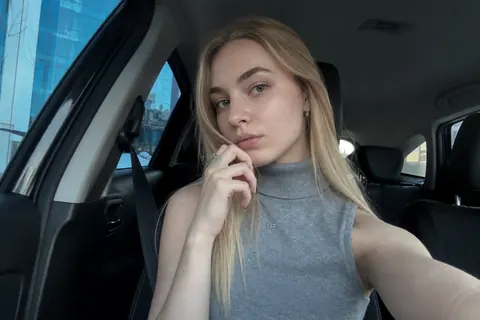
Step one: describe her, get a portrait
promptcopper bob, oversized denim jacket, window light, a small café
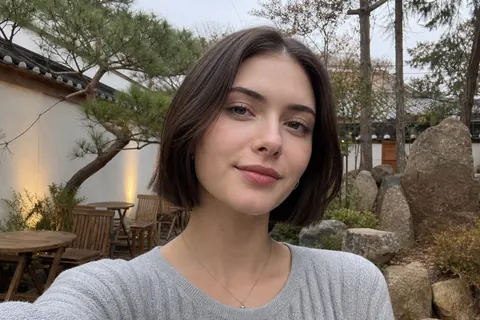
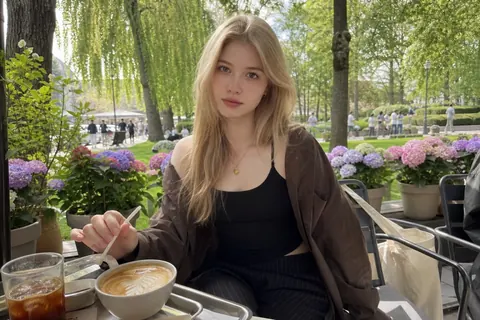
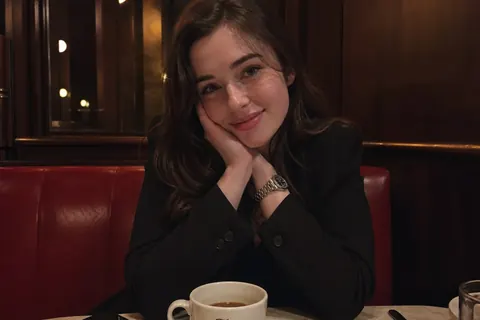
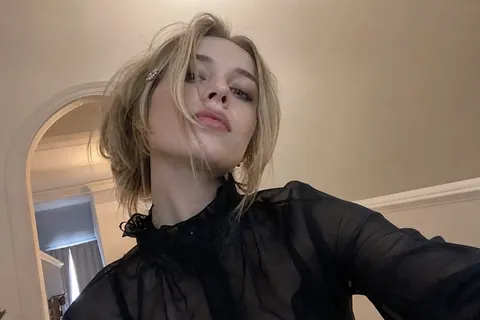
The generator starts from a written description rather than a set of sliders. You say what she looks like in plain sentences — hair, build, the clothes she would actually wear, the kind of room she would be photographed in — and a portrait comes back from that text.
The first portrait is rarely the one you keep, and it is not supposed to be. Regenerate it as often as you need, adjusting the description between attempts, until the face matches whoever you had in mind. Nothing is committed while you are doing this.
Step two: audition her voice
voice 01warm, low
voice 02bright, quick
voice 03soft, husky
voice 04even, dry
Voice is picked from a library rather than generated, and you hear each one read a line before choosing. It is worth spending a minute here: the voice does more work than the portrait once you are actually talking, and a mismatch between how she looks and how she sounds is obvious immediately.
Whatever you choose is used for every spoken reply afterwards, and it can be swapped later if it stops fitting.
Step three: write who she is
personality.txtDry, quick, a little too honest. Obsessed with terrible horror films and long walks after midnight. Teases you about your playlist. Never calls herself "an AI assistant".
This is the field that decides what she is like to talk to. You write her personality in your own words — how playful or steady she is, what she is interested in, how she speaks, what she would never say. There is no archetype menu to choose from, because the free text produces someone more specific than a menu can.
Interests matter more than people expect. A girlfriend who is specifically into bad horror films and long walks will bring both up unprompted; one described only as "kind and funny" has nothing concrete to reach for.
- Appearance free text, re-rendered as often as you like
- Voice chosen from a previewable library, used for all spoken replies
- Personality and speaking style free text, the main driver of her replies
- Interests the raw material for everything she brings up on her own
Writing a description the generator can use
Specific beats elaborate. A short description with three concrete details — the haircut, one item of clothing, the light in the room — produces a more consistent portrait than a long paragraph of adjectives, because adjectives like "beautiful" or "elegant" give the renderer nothing to actually draw.
The same holds for the personality field. "Grew up around boats and will not shut up about it" is usable; "interesting and well-travelled" is not. If a portrait or a reply keeps coming back generic, the fix is almost always a more specific sentence rather than a longer one.
✕beautiful, elegant, stunning
✓copper bob · denim jacket · window light
What stays changeable afterwards
All of it. Appearance, voice, personality and interests remain editable after she is generated, so a first attempt that is close but not right is worth keeping and adjusting rather than discarding. Her conversation history survives the edits.
She is also private by default: a companion you generate is visible only on your account and does not appear in the public directory on this page unless you apply to list her.
appearance ✎voice ✎personality ✎interests ✎history kept ✓
Cost of generating and using her
Generating a companion costs nothing, and neither does text chat — the free plan gives you 100 text messages and 50 spoken replies without a card. Portraits during the build are included.
Credits come in afterwards for spoken replies, scene photos and short scene videos. Basic is $6.99 a month for unlimited text plus 800 credits, which goes roughly as far as 800 spoken replies, 40 images or 8 videos. Credits do not roll over month to month, top-ups start at $1, and cancellation is immediate.
call sheet · costsgenerate her$0
portraits during buildincl.
text chat, first 100$0
basic, unlimited text$6.99/mo